Telegram authorization
Without login you can run 2 of 2 unique jobs today (until 00:00 MSK).
Log in via Telegram and subscribe to unlock unlimited access.

Create Unique Copies of Photos and Videos Online

Upload an image or video and receive unique copies of your files.

Supported formats: JPG, PNG, and MP4.
Normal - keeps the current preset behavior.

Files are ready for download

Link is active
60:00
Save the archive in advance
Download result

    Share Your Feedback

    Like the service and want to support it?

    Send any amount of USDT to one of the wallets below. Every contribution helps cover the costs of our high-load servers. Thank you for your support!

    Network Wallet
    TRC20 TChvrUifcNSDwn6Neo4cSsks4adSaZJBcn
    BEP20 0xba3190a6d7d42cab2c2082a2d275dbc2c28647a4
    ERC20 0xba3190a6d7d42cab2c2082a2d275dbc2c28647a4
    SOL 6rFKbrE4euhXPqh6eQ4qpJAmUwz8gQ64zJ6eSAgJbx3p

    Click the address to copy

    Unique Video Uniquifier and Unique Image Uniquifier Online

    Advantages of Online Multimedia Processing and Unique Copy Generation

    • Fast processing of photos (JPG, PNG) and videos (MP4) with minimal delays.
    • Generation of unique copies for copyright protection and plagiarism prevention.
    • Ease of use - simply upload a file and receive the result in just a few clicks.
    • The tool is ideal for marketing, arbitrage, creative projects, and intellectual property protection.
    • An automated process that requires no special skills or additional software installation.
    • The service works online, ensuring access from any device with an internet connection.

    Our uniquifier uses advanced media file processing algorithms to achieve a high level of originality in the generated copies. This top tool for image and video uniquification allows you to create unique copies of photos and videos online for free, protecting your copyrights. Each processed file undergoes a series of transformations - scaling, rotation, brightness and contrast adjustments, as well as the application of random visual effects - making it indispensable for professionals in advertising and creative projects.

    How to Create Unique Copies of Photos and Videos Online?

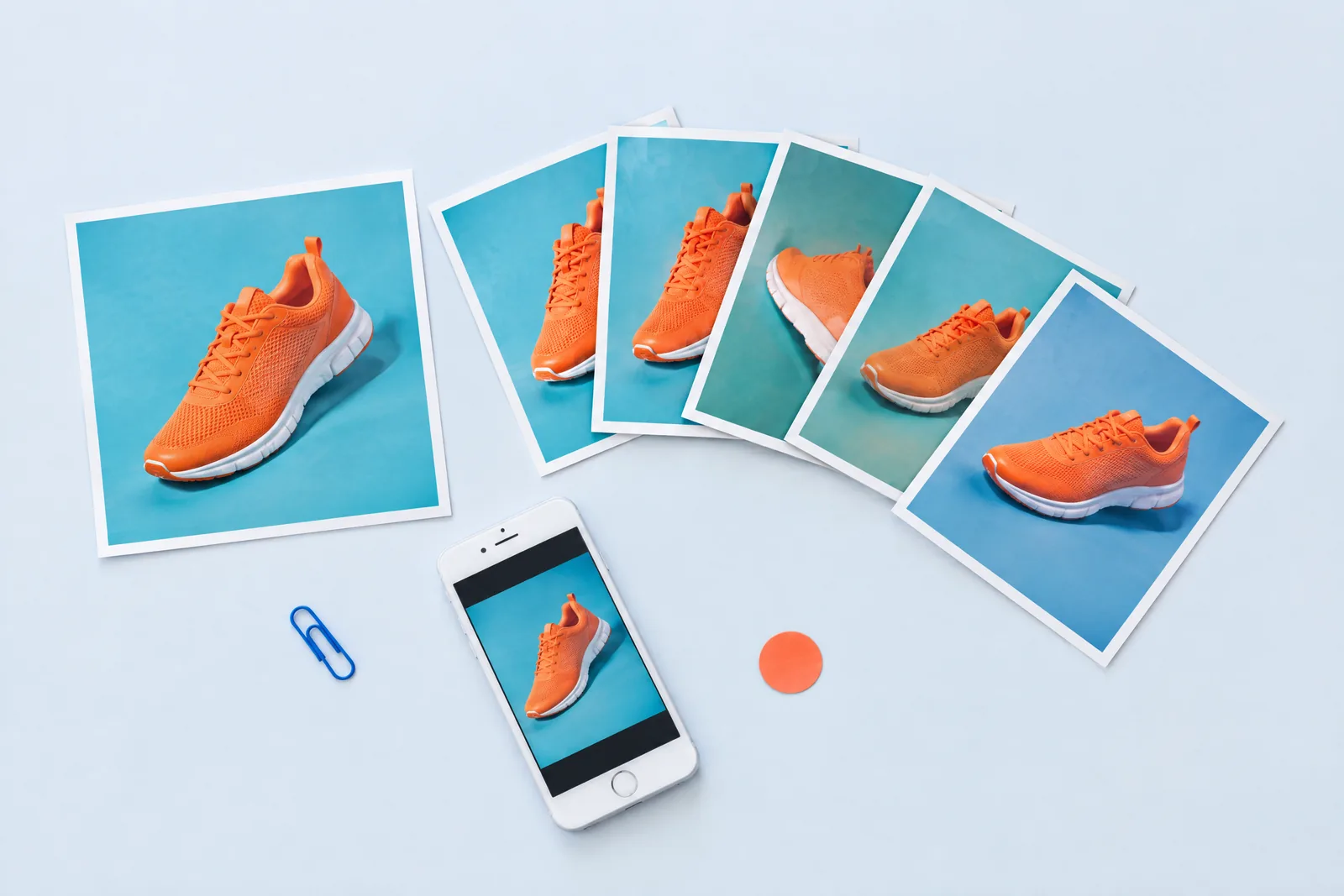
    Online photo and video uniquification example

    The uniquification process starts by uploading the file to our server, where the tool analyzes its parameters: resolution, aspect ratio, brightness, and other characteristics. Then, scaling and rotation algorithms introduce random adjustments that result in small but significant differences in each copy. Additionally, color correction and a slight amount of noise are applied to enhance the uniqueness effect. The final result is an archive containing several versions of the original image or video, each preserving its initial style and quality.

    This processing method not only protects copyrights but also enables the creation of diverse creative materials for testing advertising concepts. Our service is a free online multimedia uniquifier that helps you generate unique copies of photos and videos for copyright protection and creative content processing.

    Online Image Processing with Imagick

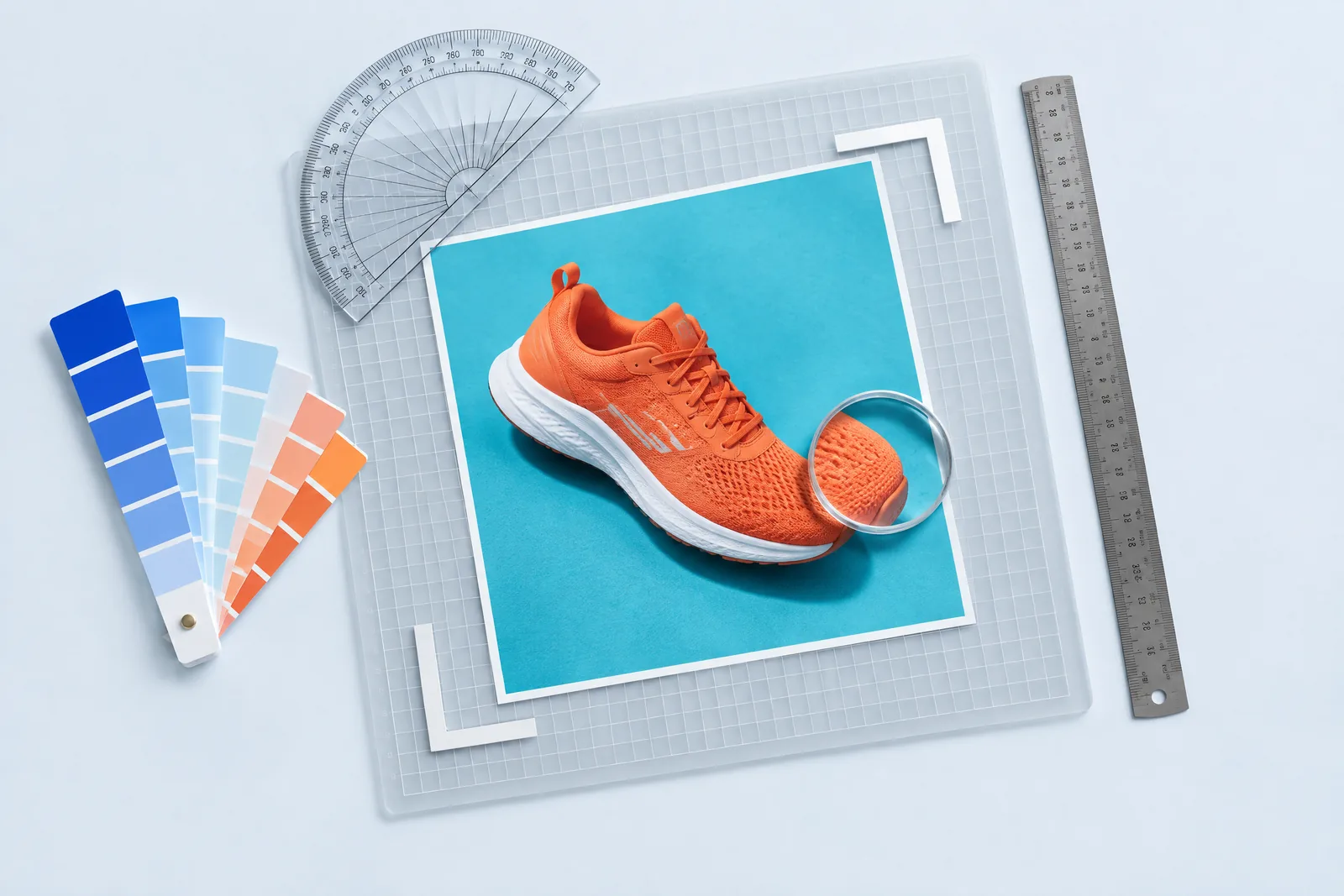
    Image processing with Imagick for uniquification

    We use the modern Imagick library for image processing, which enables complex graphic transformations. This creative image processing tool resizes, rotates, adjusts brightness and contrast, and applies random distortions and color effects. Such transformations ensure the generation of unique copies even when using identical source files.

    Image processing is optimized for the ideal balance between quality and speed. The algorithms are adapted for various file types - from standard photographs to high-quality digital images - ensuring that users searching for "how to create unique copies of photos and videos online" receive a high-quality, original result.

    Online Video Processing via ffmpeg

    Video processing with ffmpeg for uniquification

    Video processing is implemented using ffmpeg - a proven tool for multimedia handling. This creative video processing tool adjusts video stream parameters, including bitrate, the addition of noise, and other visual effects, enabling the creation of several unique versions of the original video. This method ensures not only high video quality but also its originality.

    The video processing algorithms are designed to preserve the original quality while making minimal yet noticeable changes. This results in a video that differs from the original yet remains recognizable and suitable for integration into marketing and creative projects. Thus, online video processing via ffmpeg for uniquification ensures stable performance even with large data volumes.

    Tips for Optimal Use

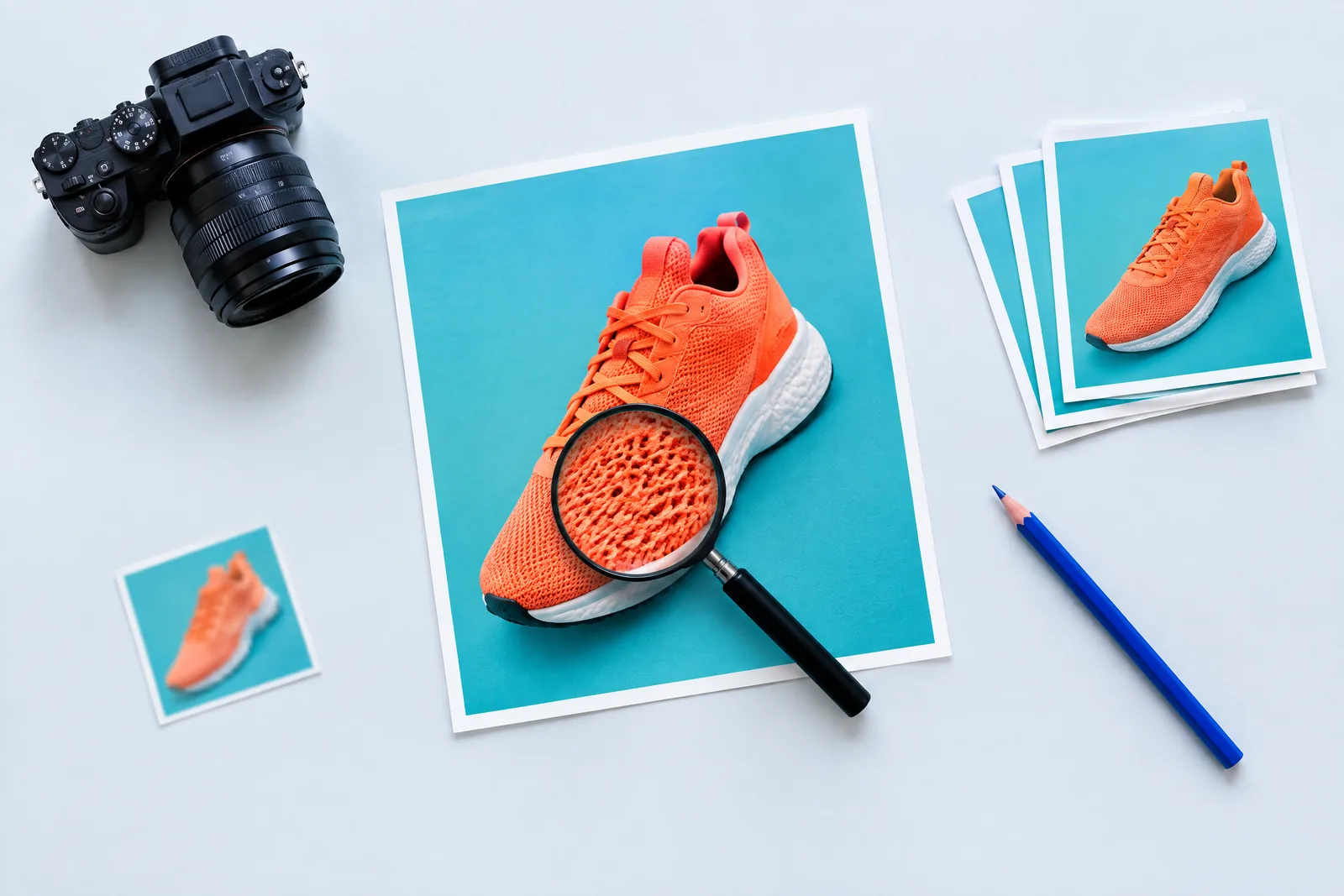
    Practical tips for better uniquification results

    For best results, use high-resolution source files. Experiment with the number of copies to find the optimal balance between the quality of uniquification and processing speed. Our free online photo and video processing service - available without registration - allows you to create unique copies for copyright protection and creative generation. Analyze the results and integrate the uniquifier into your workflow for task automation.

    Frequently Asked Questions

    Frequently asked questions about online uniquification
    It creates copies of a file that look nearly identical to the original for humans, but are recognized as different files by platform algorithms. The service changes geometry, color, grain, and metadata, which alters the checksum and perceptual hash used to detect duplicates.

    You need this when the same creative cannot be uploaded repeatedly: advertising on Facebook, TikTok, and Google, working with multiple accounts, re-uploading to feeds, and bypassing duplicate detection.

    Images: JPG, PNG, WEBP. Video: MP4, MOV, MKV, AVI, WEBM.

    Images remain images on output, video is re-encoded to MP4 with H.264 codec and AAC audio. This format opens and is accepted everywhere, no separate conversion needed after download.

    Up to 20 copies of each uploaded file per run.

    Each copy is processed with its own set of random values, so copies differ not only from the original but also from each other. There will be no two identical files in the output, even if you order all 20 at once.

    Up to 100 MB per file. Up to 30 images or up to 5 videos per run.

    If the file exceeds the size limit, reduce the resolution or trim the clip. For ad creatives, this limit is usually more than enough.

    The service is free. Without signing in, you get 2 uniquifications per day, the counter resets at 00:00 Moscow time, UTC+3.

    Signing in through Telegram and subscribing to the channel removes the daily limit completely. This is not registration with email and password, just one tap in the bot, takes less than a minute.

    Light: minimal changes and maximum image quality. Suitable when the check is not strict and you want to keep the original nearly untouched.

    Normal: balance of uniqueness and quality, set by default and suitable for most tasks, including Facebook and TikTok.

    Hard: maximum difference from the original, stronger geometry, noise, and color changes. Use it for strict anti-fraud and creatives that have already been rejected.

    Images: metadata is removed completely, including camera model, shooting date, GPS coordinates, editor software, and authorship. The finished file contains no EXIF fields at all.

    Video: all original metadata is also erased (date, title, author, comments, geotag, device information), and replaced with a new random creation date, unique for each copy, so the files do not look like a batch from a single source.

    The date shown by Windows in file properties is not stored inside the image but in the file system: it appears when the file is downloaded or the archive is unpacked.

    Visible loss is minimal. Changes are deliberately kept at the threshold where humans do not notice the difference, but algorithms already see a different file: slight edge cropping, brightness and contrast shift, light grain, micro-rotation.

    At the Hard level, changes are more noticeable, this is the cost of maximum difference. If quality is critical, start with Light or Normal and compare the result with the original.

    Images are processed in seconds. Video takes longer because the file is re-encoded completely: typically from half a minute to several minutes per copy, depending on duration, resolution, and chosen level.

    Progress and estimated remaining time are shown on the page during processing. No need to close the tab, the result will appear right there.

    Uploaded files and finished results are only needed for processing and are automatically deleted after about an hour. Result links are random and hidden from search engines.

    We do not view file contents or share them with third parties. Download the result immediately: after automatic cleanup, it cannot be recovered.

    No, and no service can give such a guarantee. Uniquification solves one specific task: the file stops matching previously uploaded ones by hash and visual features.

    Moderation also looks at creative content, ad text, landing page, and account history. If an ad is rejected for content reasons, uniquification will not fix that.

    That is by design. The goal is not to make the file look different, but to change the features that platforms use to detect duplicates.

    The difference is not visible to the eye, but in technical characteristics: different size, different checksum, different histogram, different metadata. If you need a more visible difference, choose the Hard level.

    Audio is preserved and re-encoded to AAC, the track remains synchronized with the picture. Speech and music are not sped up or distorted.

    If the original had no audio, none is added: the video will remain without an audio track.

    Yes. Select multiple files in the upload window or drag them into the form. Each file is processed separately and produces its own number of copies.

    Finished files can be downloaded one by one or all at once in a single ZIP archive.

    Most often the problem is with the file itself: corrupted container, rare codec, or size over 100 MB. Such a file is marked as failed, and the rest of the batch is processed as usual.

    Try re-saving it as MP4 or JPG and upload again. If the error repeats, contact us on Telegram with the file attached, we will look into it.

    Yes, the page is adapted for mobile. You can select a file from the gallery or shoot with the camera right on the spot, and the finished result downloads to the phone's storage.

    No separate app installation needed, everything works in the browser.

    Yes, there are no restrictions on our side: the finished files are fully yours, we do not add watermarks.

    The person who uploads the file is responsible for the content. Make sure you have rights to the original and that the creative does not violate the rules of the platform where you are uploading it.

    Reliable online media processing

    Service at a glance

    • The main features are free and available without registration.
    • You can create up to 20 unique copies in one run.
    • Results are available as separate files or a ZIP archive.

    How processing works

    1. Upload images or videos over a secure HTTPS connection.
    2. Choose the number of copies and the required uniquification level.
    3. Wait for the task to finish, then save the result to your device.

    Privacy and storage

    Files are used only to perform the selected processing. Working files and completed results are deleted automatically after about one hour, so download the archive in advance.

    Technical limits

    The current technical limit is 100 MB per file and 200 MB per upload. You can add up to 30 images or 5 videos at once. Processing time depends on size, format, number of copies and the current queue.

    Telegram

    Something went wrong